chrome
youtube
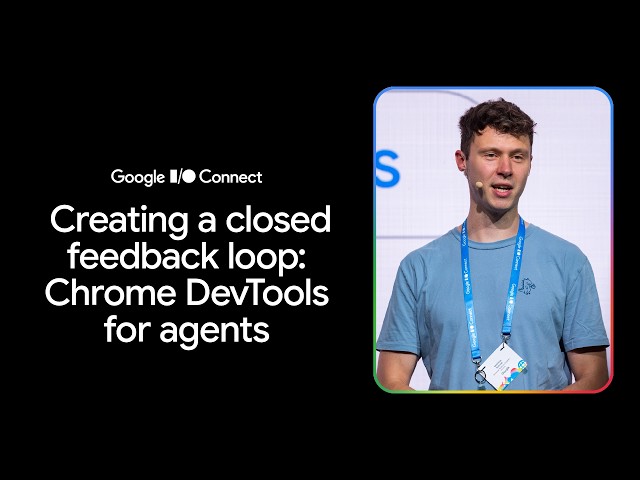 Hear from Matthias Rohmer how the MCP server and CLI of DevTools for agents help your coding agent to verify its own creations, reproduce issues in a real Chrome browser, and inspect them with the same powerful and trusted tools you use everyday, creating a closed feedback loop.
Chapters:
0:00 - Introduction
2:50 - DevTools and the closed feedback loop
7:03 - Foundational tools and the role of Puppeteer
11:42 - Security and access control
12:53 - Exploring use cases
17:26 - Persist agent actions in scripts
19:07 - Creating custom skills
20:12 - Case study: The github-issue-test skill
24:24 - Best practices for custom skills
25:37 - Configuration options and third-party tools
30:14 - Get started and AI assistance
32:23 - Conclusion
Resources:
Chrome DevTools overview →
Get started with WebMCP →
Get started with Chrome DevTools for agents →
Subscribe to Chrome for Developers →
#ChromeForDevelopers #Chrome #GoogleIOConnect #BuildwithGemini #Developers
Event: Google I/O Connect Berlin 2026
Speaker: Matthias Rohmer
Products Mentioned: Chrome, Chrome DevTools
Hear from Matthias Rohmer how the MCP server and CLI of DevTools for agents help your coding agent to verify its own creations, reproduce issues in a real Chrome browser, and inspect them with the same powerful and trusted tools you use everyday, creating a closed feedback loop.
Chapters:
0:00 - Introduction
2:50 - DevTools and the closed feedback loop
7:03 - Foundational tools and the role of Puppeteer
11:42 - Security and access control
12:53 - Exploring use cases
17:26 - Persist agent actions in scripts
19:07 - Creating custom skills
20:12 - Case study: The github-issue-test skill
24:24 - Best practices for custom skills
25:37 - Configuration options and third-party tools
30:14 - Get started and AI assistance
32:23 - Conclusion
Resources:
Chrome DevTools overview →
Get started with WebMCP →
Get started with Chrome DevTools for agents →
Subscribe to Chrome for Developers →
#ChromeForDevelopers #Chrome #GoogleIOConnect #BuildwithGemini #Developers
Event: Google I/O Connect Berlin 2026
Speaker: Matthias Rohmer
Products Mentioned: Chrome, Chrome DevTools
|
2026/07/02
youtube